
Turn Any Idea Into a Video Worth Sharing
Gemini Omni AI Video helps you shape prompts, images, reference clips, and audio cues into polished short videos. Build product ads, explainer scenes, character moments, and social content without jumping between tools.
One creative flow for prompts, references, motion, edits, and sound.
Set the mood, camera path, lighting, and depth from a single rich brief.
Keep expressions, details, and motion readable even in close-up.
Watch Ideas Become Finished Shots
Explore five clips that show what Gemini Omni is strongest at: cinematic camera work, stable characters, story beats, bold remixes, and art-led motion.
Cinematic Camera Direction
Build a scene with atmosphere, camera travel, environmental detail, and the kind of pacing that makes a short clip feel premium.
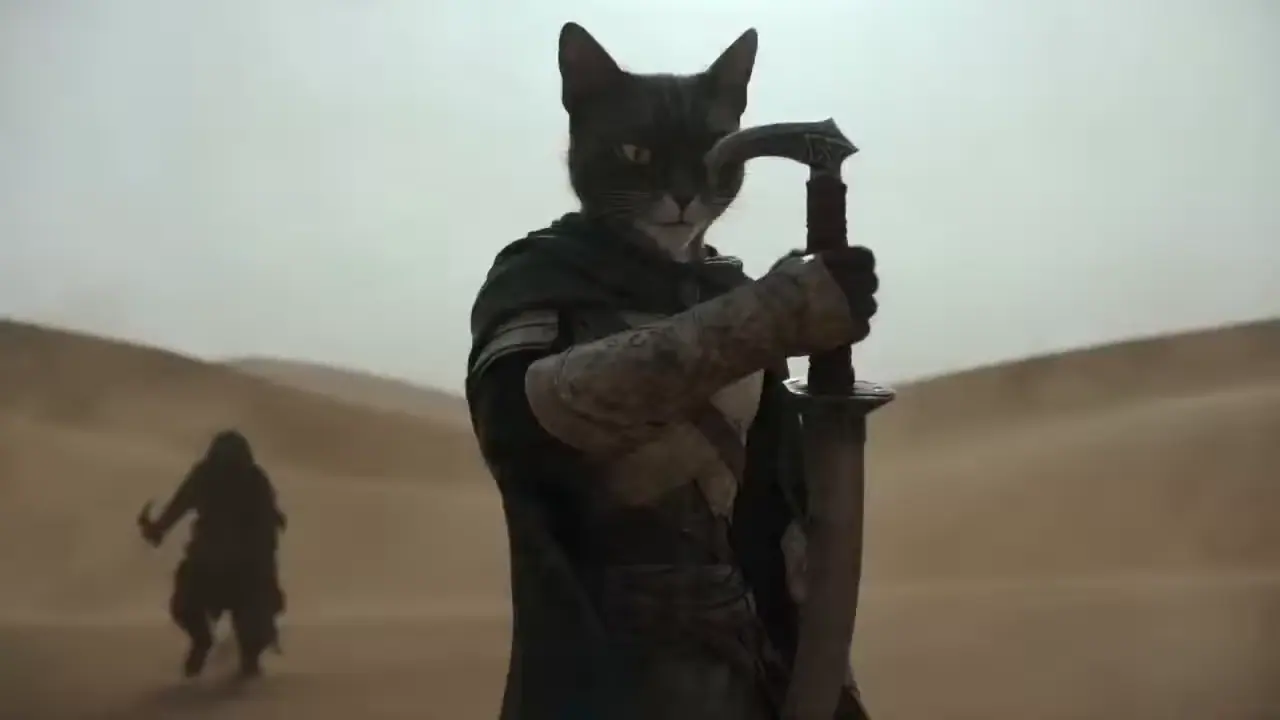
Character Detail That Stays Clear
Use close-ups to test identity, expression, and motion before the character needs to carry a bigger story.
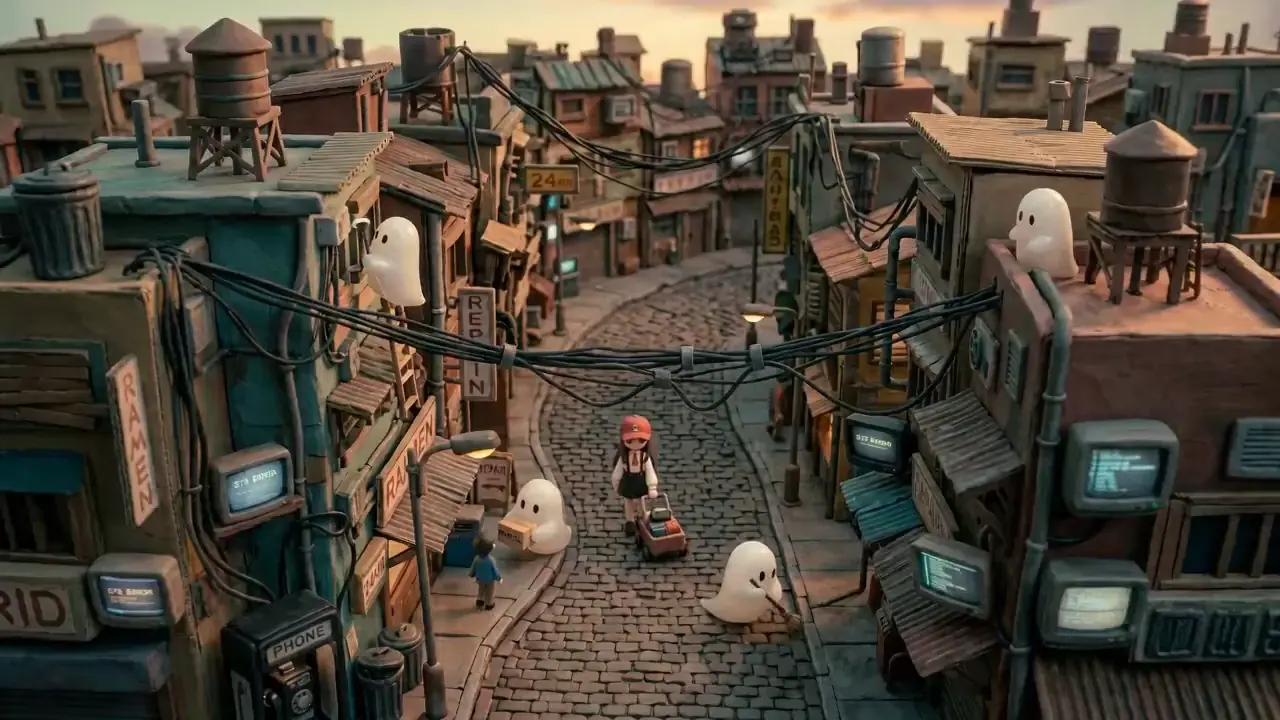
A Tiny World With a Story Beat
Give Gemini Omni a place, a cast, and a mood, then turn a small idea into a scene people can follow.
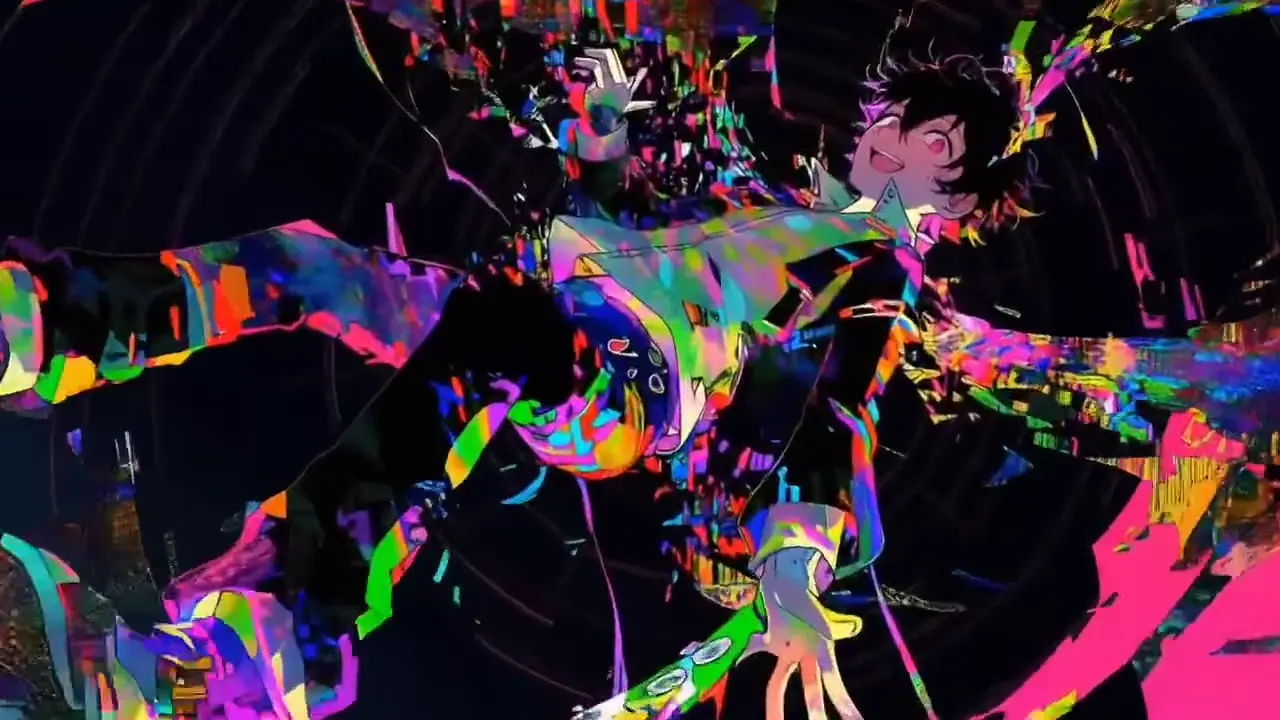
Stylized Remix With Impact
Change the color language, genre, and rhythm while keeping the action strong enough for a campaign test.
Painterly Style in Motion
Let brush texture, art direction, and movement work together instead of feeling like a static image with motion added.
Built for Clips You Can Actually Use
Gemini Omni helps you protect the parts that usually break first: text, camera motion, subject identity, and revision speed. That means more usable options for ads, explainers, launches, and social tests.
Text That Has a Job
Call out titles, signs, UI labels, or equations so the message stays visible on screen.
Camera Moves With Intent
Shape push-ins, tracking shots, reveals, and orbit moves around the point of the scene.
Subjects Stay Recognizable
Use references and constraints to keep faces, products, props, and settings coherent.
More Variations, Less Drag
Compare directions, remix the winner, and keep momentum while the idea is still fresh.
From Brief to Shareable Video
A faster path from idea to polished clip: set the creative direction, shape the shot, then remix until it lands.
Drop in the Spark
Start with a prompt, template, image, or reference clip. Give Gemini Omni the mood, subject, and outcome you want.
Shape the Shot
Describe the camera move, action, text, style, sound cue, or detail that needs to change.

Choose, Remix, Publish
Keep the version that works, ask for sharper variations, and move forward with a clip ready for the next channel.
What Gemini Omni Helps You Nail
Everything here is aimed at one result: cleaner AI video that needs fewer compromises before you share it.
Readable Text on Screen
Give titles, captions, formulas, signs, and UI copy a clearer role in the shot.
Camera Direction
Steer push-ins, pans, tracking moves, orbit shots, and reveals with purposeful language.
Templates and Fresh Ideas
Start fast from proven directions or open a blank prompt for a custom scene.
Chat-Based Remixing
Extend, swap, restyle, tighten, or reshape a clip with plain-language feedback.
Multimodal Briefs
Blend prompts, images, video references, and audio cues into one creative request.
Voice and Sound Cues
Brief dialogue, ambiance, rhythm, and music intent alongside the visuals.
Character and Scene Consistency
Keep people, products, props, wardrobe, and spaces aligned across motion.
Output for Real Campaigns
Create useful options for ads, explainers, demos, lessons, and social posts.
Music-Aware Timing
Call out beat changes, emotional lifts, and timing when music drives the scene.
One Loop From Idea to Video
Brief the scene, direct the motion, remix the strongest result.
1 Set the idea, asset, and mood
Set the idea, asset, and mood
2 Guide camera, copy, sound, and edits
Guide camera, copy, sound, and edits
3 Generate, compare, and share
Generate, compare, and share
Made for the Videos Teams Need Tomorrow
Use Gemini Omni when the idea is clear, the deadline is close, and the first version has to be watchable.
Product Launch Clips
Show the product, reveal the benefit, and keep the movement polished enough for a campaign draft.
Explainers and Lessons
Turn concepts, diagrams, equations, and walkthroughs into short videos people can understand quickly.
UI Demo Videos
Bring product flows to life with screen beats, readable labels, and a clear reason to care.
Character Moments
Test close-ups, expression, wardrobe, and motion before building a bigger scene.
Stylized Social Spots
Explore color, rhythm, genre, and motion language for content that has to stop the scroll.
Micro-Stories
Shape a small world, a mood, and a story beat from a few references or one strong prompt.
Why Creators Keep Iterating Here
The value shows up when the clip starts feeling closer to the brief, faster.
I can talk about mood, lens feel, and movement in one place. The result gets closer to the shot I pictured.

David Chen, Digital Artist
David Chen
Digital Artist
For ad tests, I need readable text and quick variations. This makes both feel less painful.
Rachel Kim, Content Creator
Rachel Kim
Content Creator
The camera notes matter. Blocking, pace, and atmosphere come through better when the brief is clear.

Marcus Thompson, Filmmaker
Marcus Thompson
Filmmaker
Remixing in chat keeps me moving. Keep the good shot, change one detail, compare again.
Sofia Garcia, YouTube Creator
Sofia Garcia
YouTube Creator
For product explainers, the clips are easier to judge because every scene has a purpose.
James Wilson, Marketing Director
James Wilson
Marketing Director
The style examples make it easy to see how a static look can become a moving brand moment.

Maya Iwasaki, Brand Designer
Maya Iwasaki
Brand Designer
Questions Before You Create
Quick answers for creators comparing Gemini Omni with other AI video workflows.
Still deciding? Reach out and we will help you choose the right starting point.
Independent Gemini Omni AI Video Experience
This site is an independent AI video workspace. It is not the official website of Google, Gemini, Gemini Omni, Veo, Flow, Sora, or any other model provider.